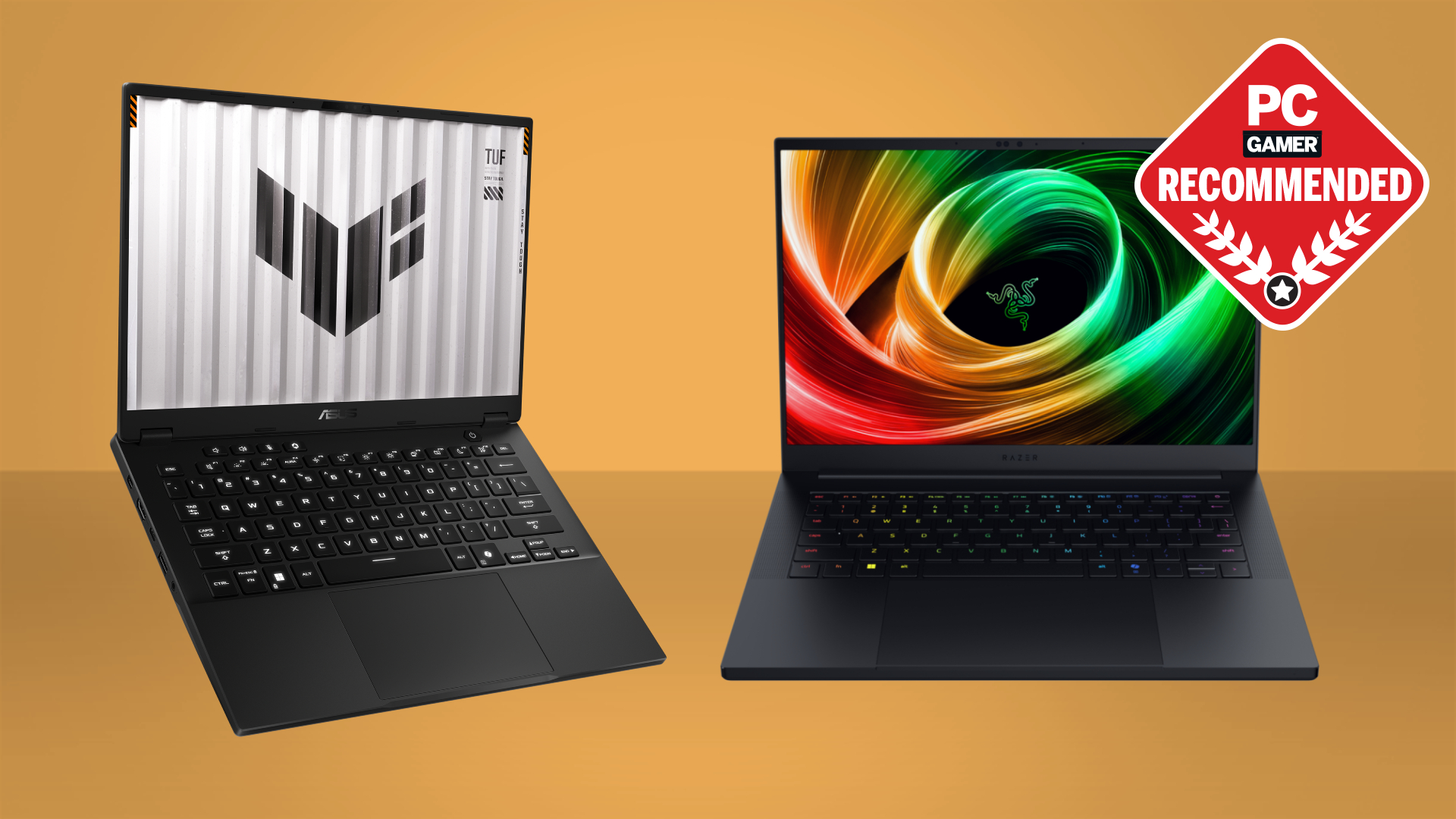
ASUS
ASUS
1080p vs 1440p vs 4K: Which Resolution is Best for Laptop Gaming?
Verified Hardware Analysis · Published July 12, 2026
Introduction: The Resolution Dilemma in Modern Gaming Laptops
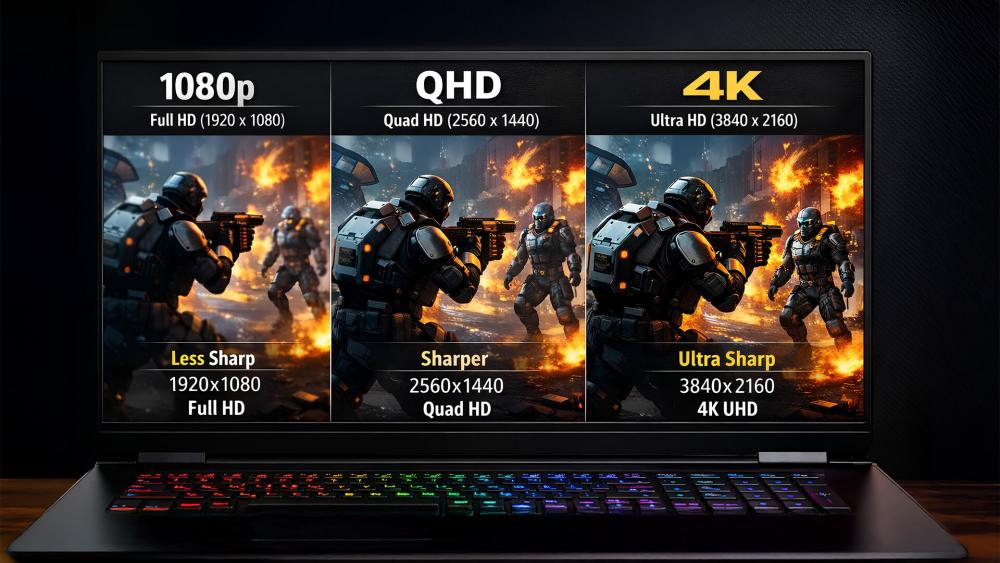
Choosing a gaming laptop today means navigating a critical decision: screen resolution. While 1080p (Full HD) has been the long-standing standard, 1440p (QHD) and 4K (UHD) panels are now common, promising sharper images and more immersive worlds. But more pixels demand more power from your GPU. This guide breaks down the 1080p vs 1440p vs 4K debate, using real-world laptop configurations to help you balance breathtaking visuals with smooth, playable frame rates.
1080p (Full HD): The Performance Sweet Spot
1920x1080 pixels remain the most popular resolution for gaming laptops for compelling reasons.
Pros:
- Maximum Performance: Pushing fewer pixels allows even mid-range GPUs (like an RTX 4050 or 4060) to achieve high frame rates (60+ FPS) on Ultra settings in most modern titles.
- Best Battery Life: Lower power draw on both the screen and the GPU extends unplugged gaming sessions.
- High Refresh Rate Friendly: 1080p panels pair perfectly with 144Hz, 165Hz, or even 360Hz refresh rates, making fast-paced shooters incredibly smooth.
- Value Leader: Laptops with 1080p screens are typically more affordable, letting you allocate more budget to a powerful GPU.
Best For: Competitive gamers prioritizing refresh rate and FPS, those with mid-tier GPUs (e.g., Acer Predator Helios 16 with RTX 4060), or gamers who value long battery life and cost-effectiveness.
Top Recommended Picks
Top Picks Based on Real Benchmarks

1440p (QHD): The Visual Fidelity Upgrade
2560x1440 pixels offer a significant step up in sharpness and detail over 1080p, sitting in the performance-to-visuals sweet spot for many.
Pros:
- Noticeably Sharper Image: Text, textures, and distant objects appear much clearer, enhancing immersion in open-world and story-driven games.
- Great Balance: A capable mid-to-high-end GPU (RTX 4070 and above) can deliver excellent 1440p performance at high refresh rates.
- Future-Proofing: Handles the increasing visual demands of new game engines better than 1080p.
Cons:
- Demanding on Hardware: To maintain high frame rates at 1440p, you'll need at least an RTX 4070. An RTX 4060 may require lowering some settings.
- More Expensive: Laptops with 1440p panels often command a slight premium over their 1080p counterparts.
Best For: Gamers with an RTX 4070 or 4080 (like the ASUS ROG Strix G16 with RTX 4070) who want a crisp image without the extreme GPU demands of 4K.
4K (UHD): The Cutting-Edge Showcase
3840x2160 pixels deliver stunning, ultra-detailed visuals that are breathtaking in still scenes and high-fidelity games.
Pros:
- Unmatched Detail: The highest pixel density for laptops, making games look incredibly lifelike, especially on larger screens (16"+).
- Content Creation Powerhouse: Ideal for video editors and photographers who need accurate 4K previews.
Cons:
- Extremely Demanding: To game at native 4K with high settings, you currently need the most powerful mobile GPU available, the RTX 4090 (as found in the Razer Blade 16). Even then, many games require DLSS or FSR to maintain 60 FPS.
- High Cost: 4K panels and the necessary top-tier GPUs make these laptops the most expensive option.
- Battery Drain: 4K screens consume significantly more power, leading to very short unplugged gaming times.
- Diminishing Returns: On smaller 15-16" screens, the difference between 1440p and 4K can be subtle from a typical viewing distance.
Best For: Enthusiast gamers with deep pockets, owners of an RTX 4090 laptop, and professionals who need a 4K display for work.
More Great Options
Top Picks Based on Real Benchmarks
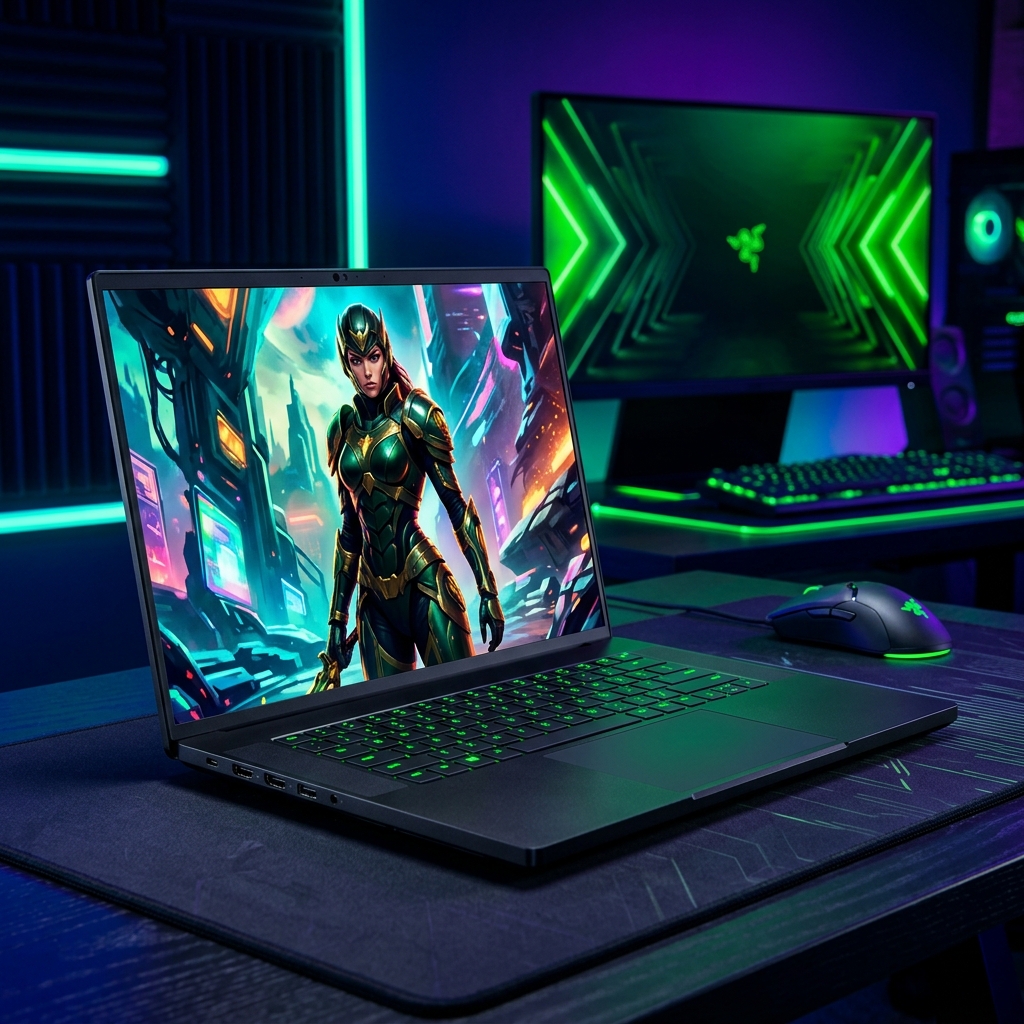 Razer
★ Featured
Razer
★ Featured
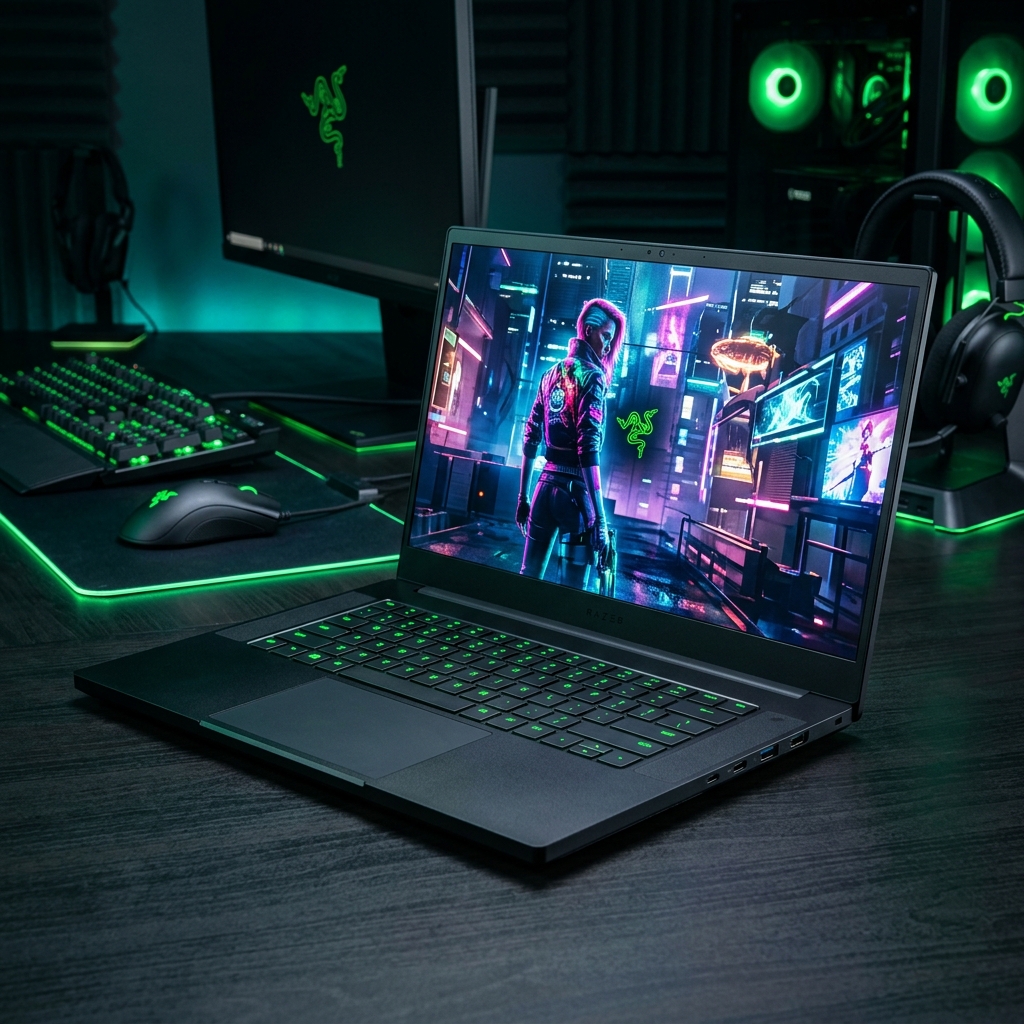 Razer
★ Featured
Razer
★ Featured
 Acer
Acer
The Hardware Reality: Matching GPU to Resolution
Your choice of resolution must be guided by your laptop's GPU. Using our database as a reference:
- 1080p Target: MSI Katana 15 (RTX 4050) or Acer Predator Helios 16 (RTX 4060). These GPUs excel here, delivering high FPS.
- 1440p Target: ASUS ROG Strix G16 (RTX 4070) or Lenovo Legion Pro 7i (RTX 4080). This is where these cards shine, offering a great balance.
- 4K Target: Razer Blade 16 (RTX 4090). This is the only configuration in our list truly built to handle native 4K gaming without severe compromises.
Rule of Thumb: For a consistent 60+ FPS experience at high settings, pair your resolution accordingly: 1080p with RTX 4050/4060, 1440p with RTX 4070/4080, and 4K only with an RTX 4090.
Beyond Pixels: Panel Size, Refresh Rate & Panel Type
Resolution doesn't tell the whole story. Consider these factors:
- Screen Size: A 4K panel on a 15-inch screen offers a higher pixel density (PPI) than on a 17-inch screen. The visual benefit is more pronounced on smaller screens.
- Refresh Rate: A 1080p 360Hz panel will feel smoother in motion than a 4K 60Hz panel, regardless of pixel count. Prioritize high refresh rates for competitive gaming.
- Panel Technology: IPS panels offer the best color and viewing angles. OLED panels (found on some premium models like the Razer Blade 16) provide perfect blacks and infinite contrast, making any resolution look phenomenal, but they are typically more expensive and can suffer from burn-in.
Conclusion: Which Resolution is Best for You?
There is no single 'best' resolution. The optimal choice depends entirely on your priorities:
- Choose 1080p if your top priority is performance, high refresh rates, and value. It's the most sensible and enjoyable choice for the widest range of hardware and gamers.
- Choose 1440p if you want a significant visual upgrade and have a capable mid-to-high-end GPU (RTX 4070/4080). It's the current sweet spot for immersive gaming.
- Choose 4K only if you have an RTX 4090 and want the absolute best image quality, and you are willing to accept the high cost, potential need for upscaling tech (DLSS), and poor battery life.
For most buyers, especially those considering laptops like the ASUS ROG Strix G16 or Lenovo Legion Pro 7i, a high-refresh-rate 1440p display offers the best blend of beautiful visuals and smooth, powerful gameplay.
Frequently Asked Questions
Can my RTX 4060 laptop run 4K games?
It will be very difficult. An RTX 4060 is significantly underpowered for native 4K gaming at high settings. You would need to use Low settings and rely heavily on upscaling technologies like DLSS ('Performance' or 'Quality' mode) to achieve playable frame rates at 4K. For a much better experience, pair an RTX 4060 with a 1080p or 1440p panel.
Is 1440p worth it over 1080p on a 16-inch laptop?
Yes, for many gamers the upgrade is very noticeable. On a 16-inch screen, the increased pixel density of 1440p (QHD) provides a visibly sharper and more detailed image than 1080p (FHD), especially in text and detailed textures. This improvement in visual fidelity is often considered well worth it if your GPU (like an RTX 4070 or better) can handle it.
Does a 4K laptop screen drain battery faster than 1080p?
Yes, significantly. A 4K screen has over eight million pixels compared to two million in a 1080p screen, requiring more power to illuminate and refresh. Combined with the need for a top-tier, power-hungry GPU to drive those pixels, 4K gaming laptops typically have the shortest battery life under load. For unplugged use, a 1080p or 1440p panel is far more efficient.
What's more important for gaming: resolution or refresh rate?
It depends on the game genre. For competitive, fast-paced shooters (CS:GO, Valorant, Apex Legends), a high refresh rate (144Hz, 240Hz) provides a smoother, more responsive experience and is often prioritized over higher resolution. For cinematic, single-player games (RPGs, adventures), higher resolution (1440p) provides a more immersive and detailed world. The ideal is a high-resolution *high-refresh-rate* panel, but this is the most expensive and demanding combination.
Compare Gaming Laptops Instantly
Select any two laptops to compare real game frame rates side-by-side.